There are several methods that can be used to invite Members to the portal.
For more information on the email templates used to notify members, see Email Templates.
IMPORTANT - In order for the members to receive the email invitation, they must have a valid email address in the emailaddress1 field on the Contact table in Dataverse.
Invites From Dynamics 365
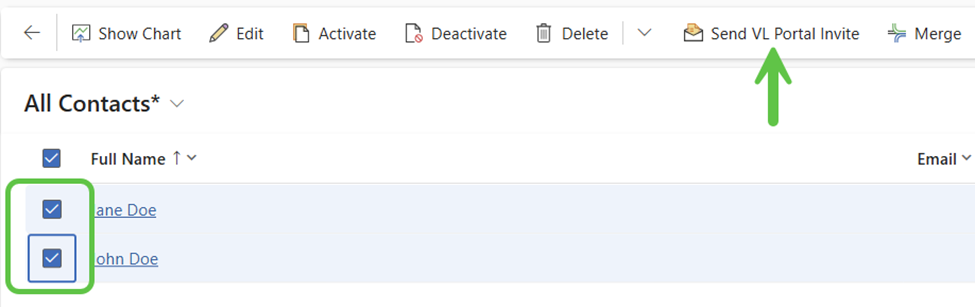
Select one or more Contact records and then select the Send VL Portal Invite button.
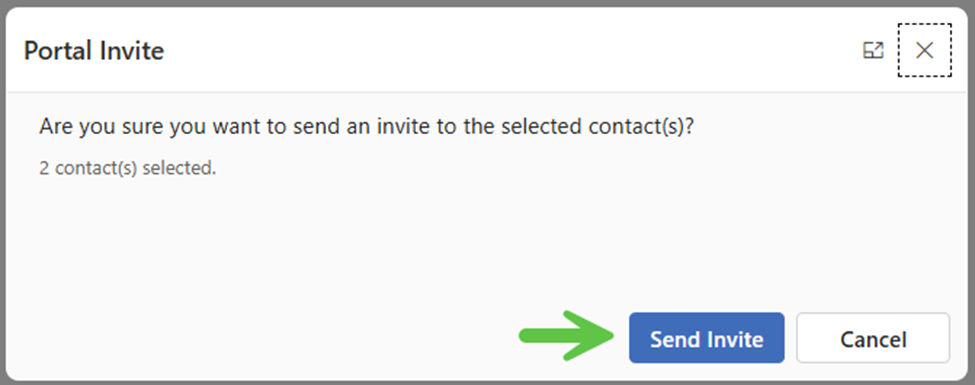
Click Send Invite to trigger the process to send invitations to the contacts.