The Metadata Synchronization feature determines which Dataverse tables are synchronized with the portal and thus available when configuring forms and data grids.
Select the “Modify” button to view a list of tables.
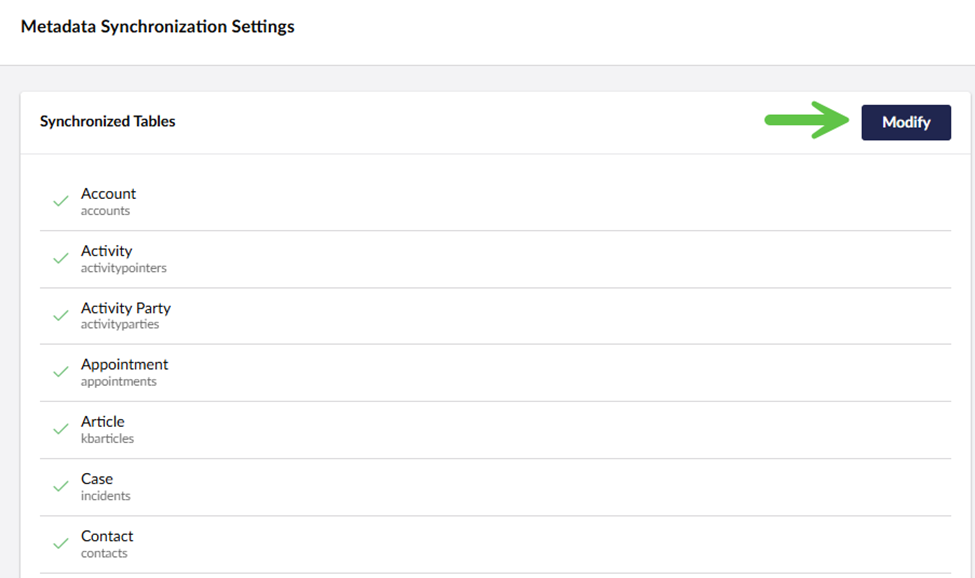
After selecting and submitting the desired tables, remember to click “Save” in the lower right corner.
Refreshing Metadata
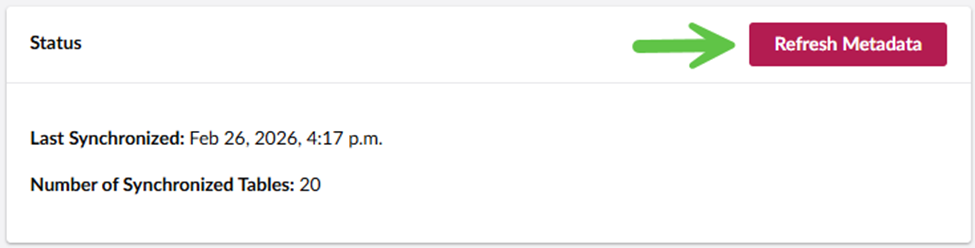
If changes are made in Dataverse click the Refresh Metadata button to reload the metadata for the list of synchronized tables.