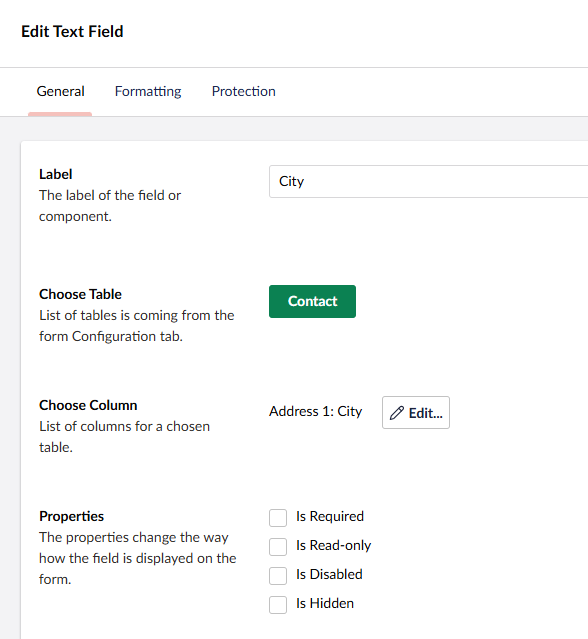
Most Form Controls have the following common properties.
| Property | Description |
| Label | The label that appears beside the field. |
| Choose Table | A list of table(s) based on the form configuration. Select the table where the lookup field will originate from. |
| Choose Column | The lookup field chosen from a list of columns based on the selected table. |
| Properties | The properties change the way how the field is displayed on the form. Is Required If checked, the field on the form is mandatory and must be filled in before the form can be submitted. Is Read-only If checked, the field appears on the form but cannot be edited. Data in this field is included in the form submission. Is Disabled If checked, the field appears greyed out and cannot be interacted with. Data in this field is not included in the form submission. Is Hidden If checked, the field does not appear on the front-end form however the field value is included in the form submission. |
Example